Manual Download
Download specific resources via link or ID
When you see an interesting video or file while browsing telegram and want to quickly save it to your computer, Manual Download is the most convenient tool.
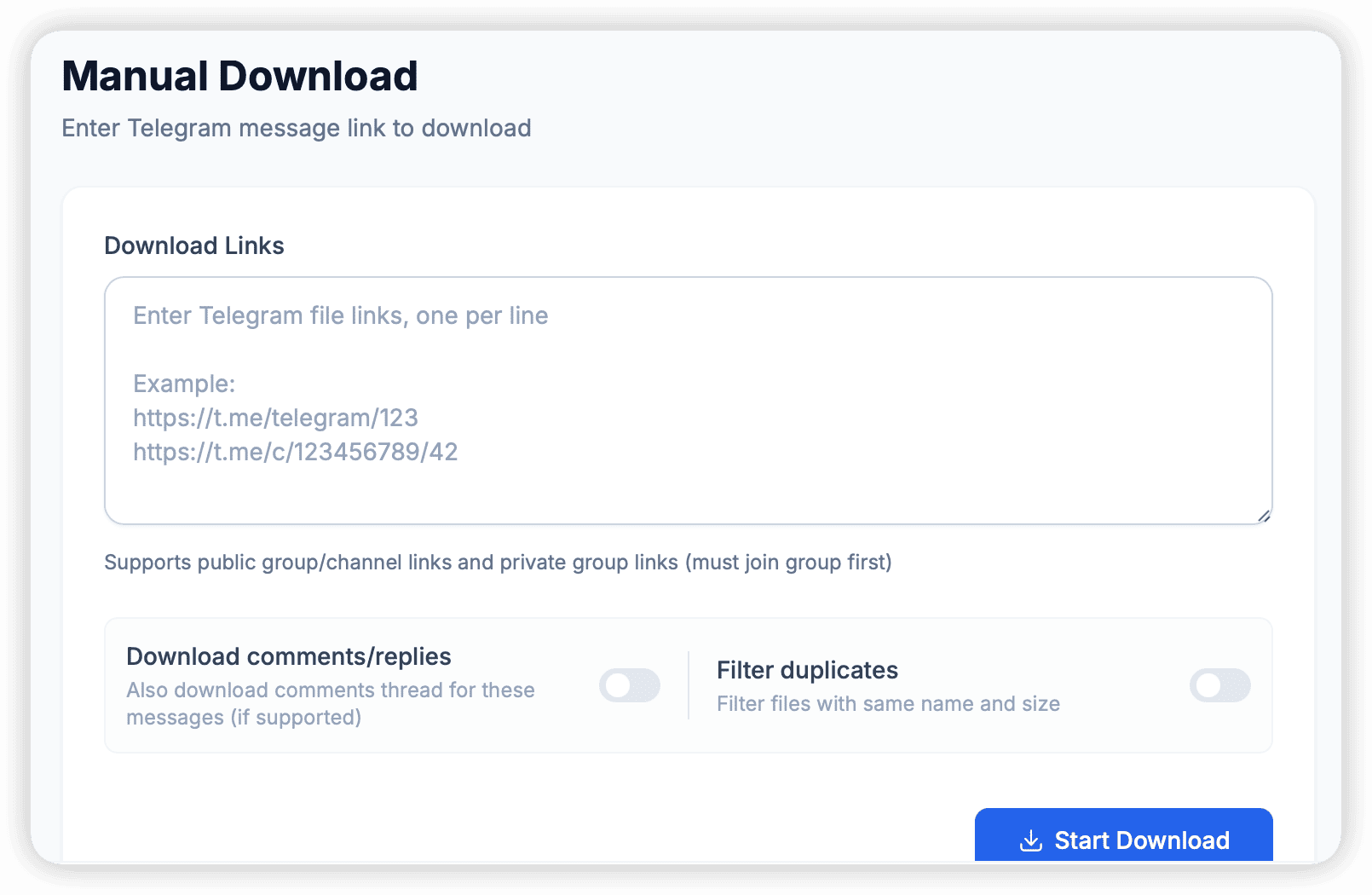
Link Resolution Mode
This is the most common way to use it:
- Copy Link: In the Telegram client, right-click a message -> Copy Post Link (format like
https://t.me/username/1234). - Paste & Parse: Paste the link in the TG Downloader input box and click the 🔍 icon.
- Select Download:
- The software will display all media contained in the message (e.g., 10 images + 1 video).
- You can check the files you need and click download.
Batch Link Download
If you have collected a batch of links (e.g., from Excel or text), you can use the Batch Link mode:
- Paste multiple links into the input box (one per line).
- The software will automatically create a queue and download attachments from all links in sequence.
[!TIP] Manual download will automatically use the currently selected “Active Account” for operation. If the current account cannot access the group (e.g., has not joined a private group), the download will fail.