Batch Download
Batch download history by date or keyword
Batch download is a favorite for “archivists” and “collectors”. It can save years of accumulated content from an entire channel to your local drive at once.
Mode 1: By Date
Suitable for full backup scenarios.
- Date From: Select the earliest date you want to start downloading (e.g., channel creation date).
- Date To: Usually set to today.
- Filter:
- Check
Images/Videos/Documents. - Suggestion: If you don’t need voice messages or stickers, do not check them to significantly shorten scan time.
- Check
- Reverse Order:
- Checked: Download from old to new (reading order).
- Unchecked: Download from new to old (viewing latest content first).
Mode 2: By Keyword
Suitable for precise collection scenarios. For example, you only want to download all PDF “Python Tutorials” in an “IT Tech Group” with 100,000 messages.
- Keyword: Enter “Python”.
- Media Type: Check
Documents. - Click Scan.
- The software will first traverse chat records and filter out messages hitting the keyword.
- After scanning, you can preview these messages and then click Start Download.
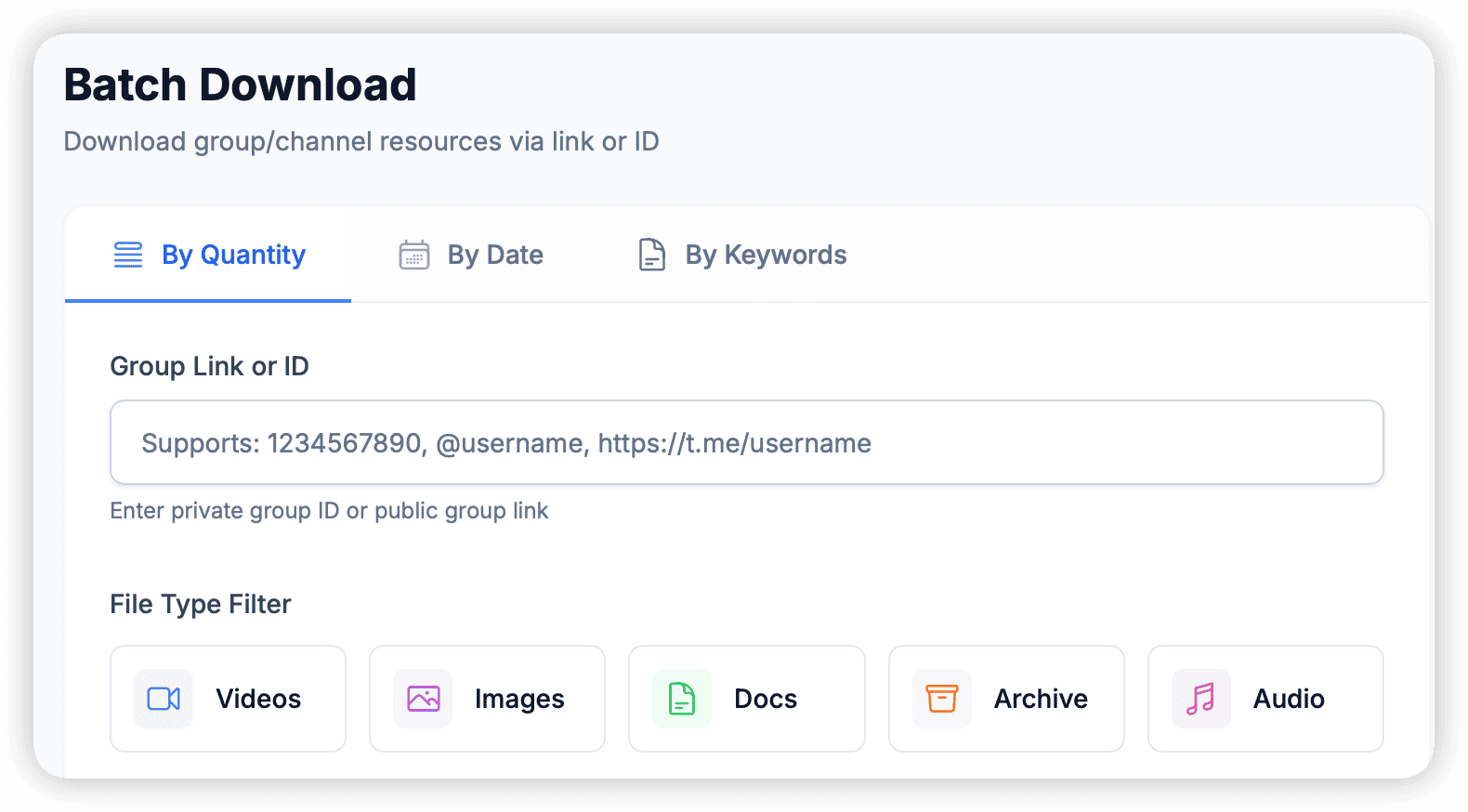
Mode 3: By Count
Suitable for quickly getting the latest resources. For example, you only want to download the last 50 images posted in a channel.
- Count: Enter the number of files you want to download (e.g., 100).
- Media Type: Check the file types you need (such as
ImagesorVideos). - Start Download: Click Start. The software will backtrack from the latest message and automatically download the specified type of files until the set quantity is reached.