Download List & Progress
Real-time monitoring and management of ongoing download tasks
All ongoing, queued, or completed tasks are aggregated on the Downloads page.
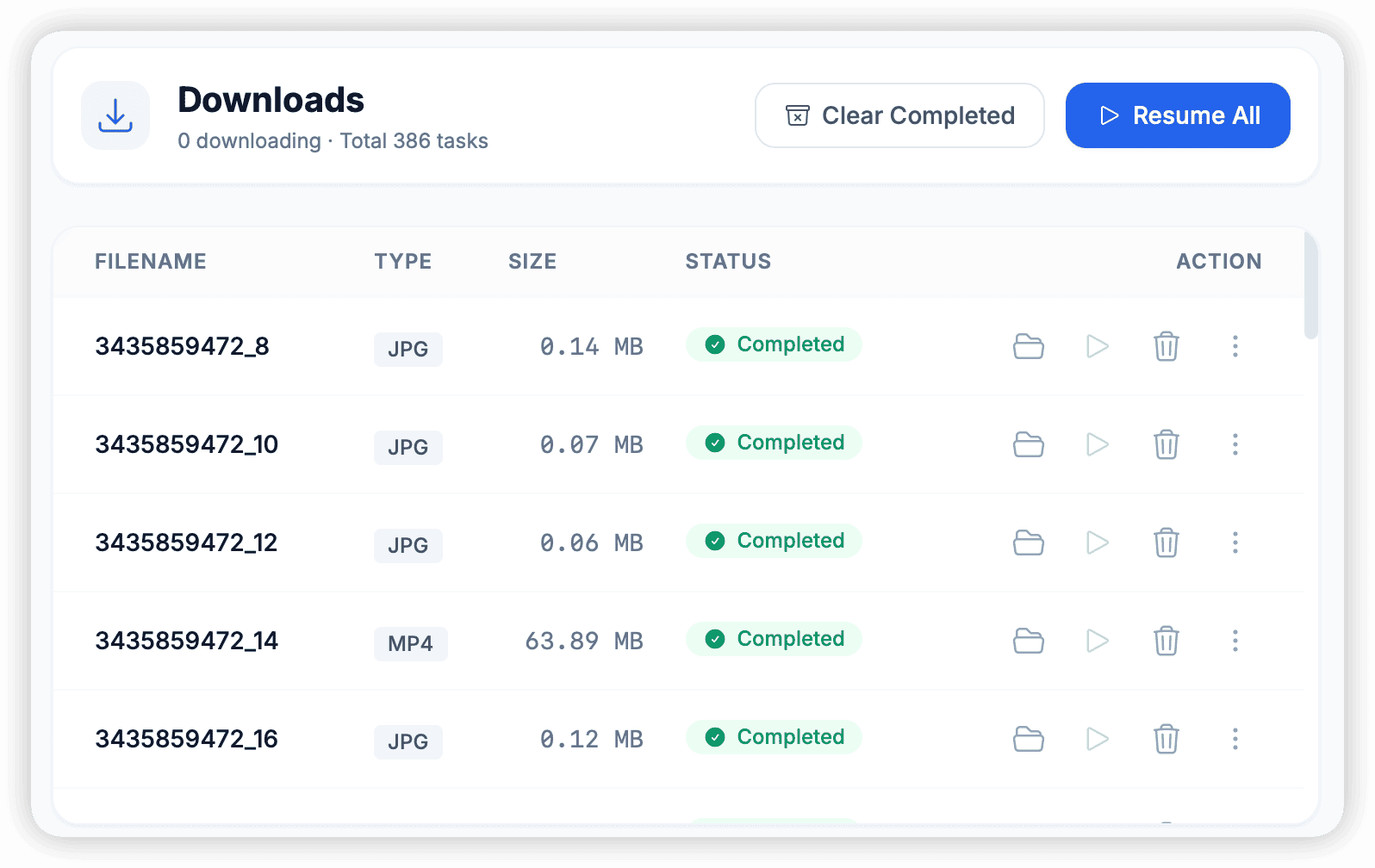
List View Details
- Filename: File name. Media files usually have thumbnail previews.
- Source: Which group/channel the file comes from.
- Size: Total file size.
- Progress:
- Blue progress bar: Downloading.
- Green check mark: Download complete.
- Red cross: Download failed.
- Speed: Real-time download speed.
Footer Status Bar
There is a resident status bar at the bottom of the interface showing global information:
- Global Speed: Total download speed of all tasks (e.g.,
15.5 MB/s). - Active Tasks: Current number of concurrent downloads.
- Transfer: Total traffic consumed since software launch.
Task Control
- Start All / Pause All: One-click start or pause all tasks.
- Retry Failed: Network fluctuations may cause some tasks to fail. Click this button to automatically retry all tasks in Fail status.
- Clear Completed: Clean up completed records in the list (will not delete local files) to keep the interface clean.