



v1.5.0 Windows macOS Multi-Account No Dev Account Smart Monitor Fast Updates

Smart Monitor , Instant Archive

The Ultimate Telegram Content Downloader

4.9/5 Rating
Verified Secure
10K+ Downloads
TG Downloader Dark Theme
🌙 Dark
TG Downloader Light Theme
☀️ Light

Powerful Features

Everything you need to download Telegram content efficiently

One-Click Download

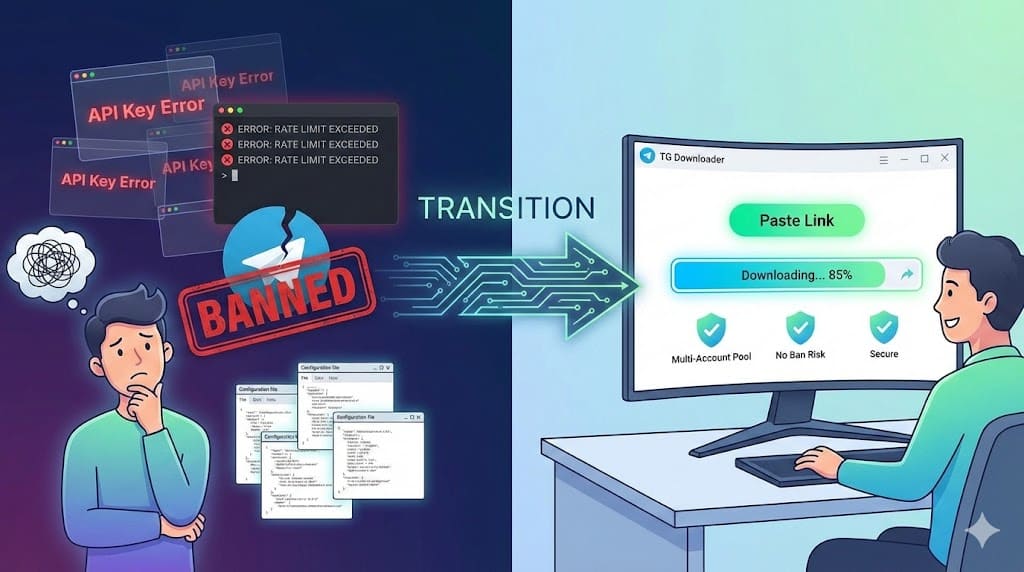
Paste the link and go. No complex setup. Works with both private and public channels.

Multi-Account Matrix

Manage multiple Telegram accounts simultaneously. Switch seamlessly between work and personal profiles.

Massive Batch Processing

Download thousands of files in minutes. Precise filtering by date and type ensures you only get what you need.

24/7 Auto Monitor

Set it and forget it. Detects and downloads new content the moment it's posted.

Smart Organization

Auto-sorts files by source and type. Say goodbye to messy download folders.

Privacy First

100% Local processing. No data uploaded, no logs collected. Your data stays yours.

High Efficiency

Massive History, One-Click Control

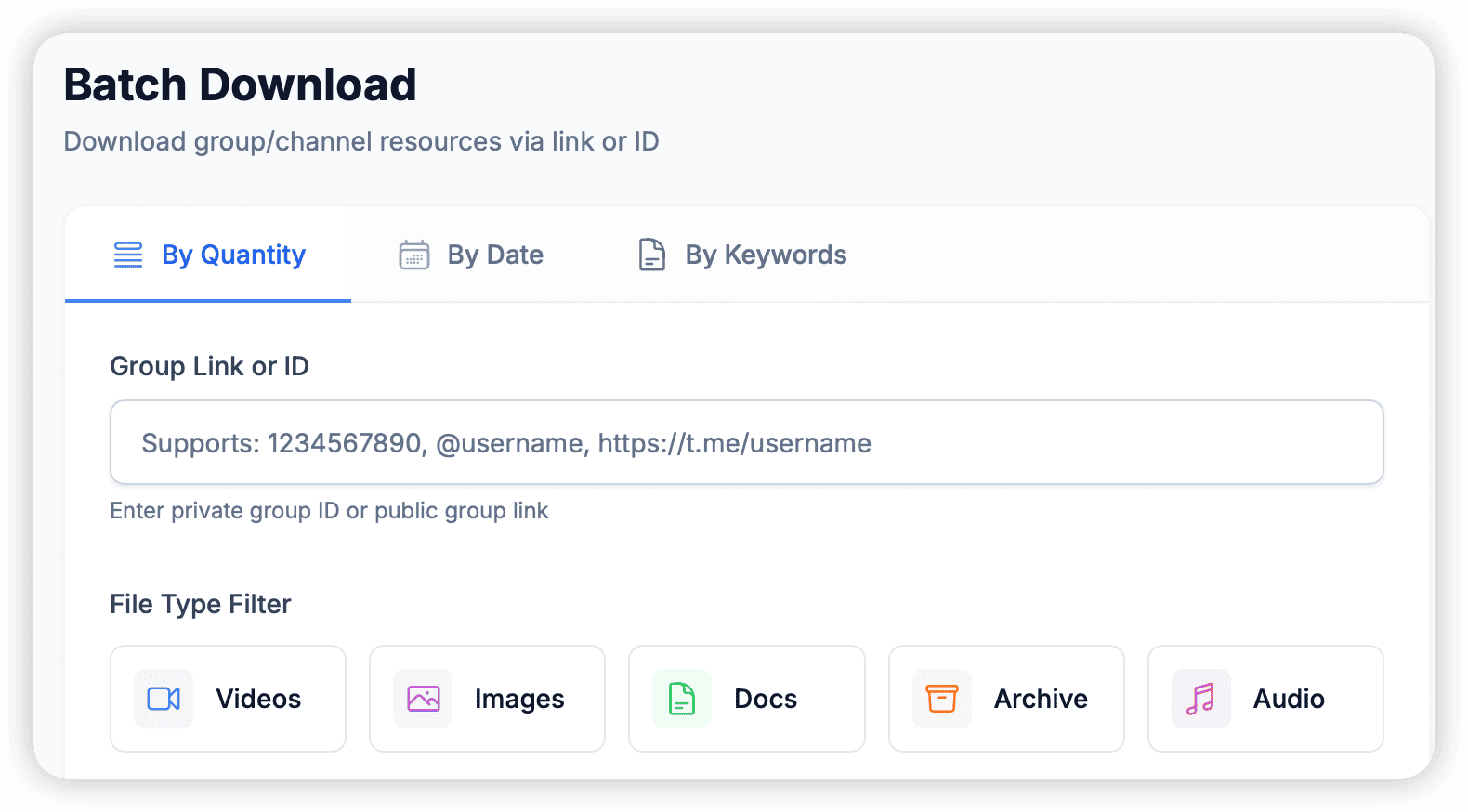
No need to update manually. TG Downloader provides powerful batch download tools, allowing you to easily handle thousands of historical messages.

  • Flexible Filtering: Batch download by count, date, or keywords with precision.
  • Smart Filtering: Advanced filters to download only the media types you need.
  • Stable Transfer: Resume support ensures complete files despite network issues.
  • Deep Mining: One-click export of comment sections, no hidden resources missed.
Massive History, One-Click Control
Real-time Monitor

Auto Monitor, Instant Archive

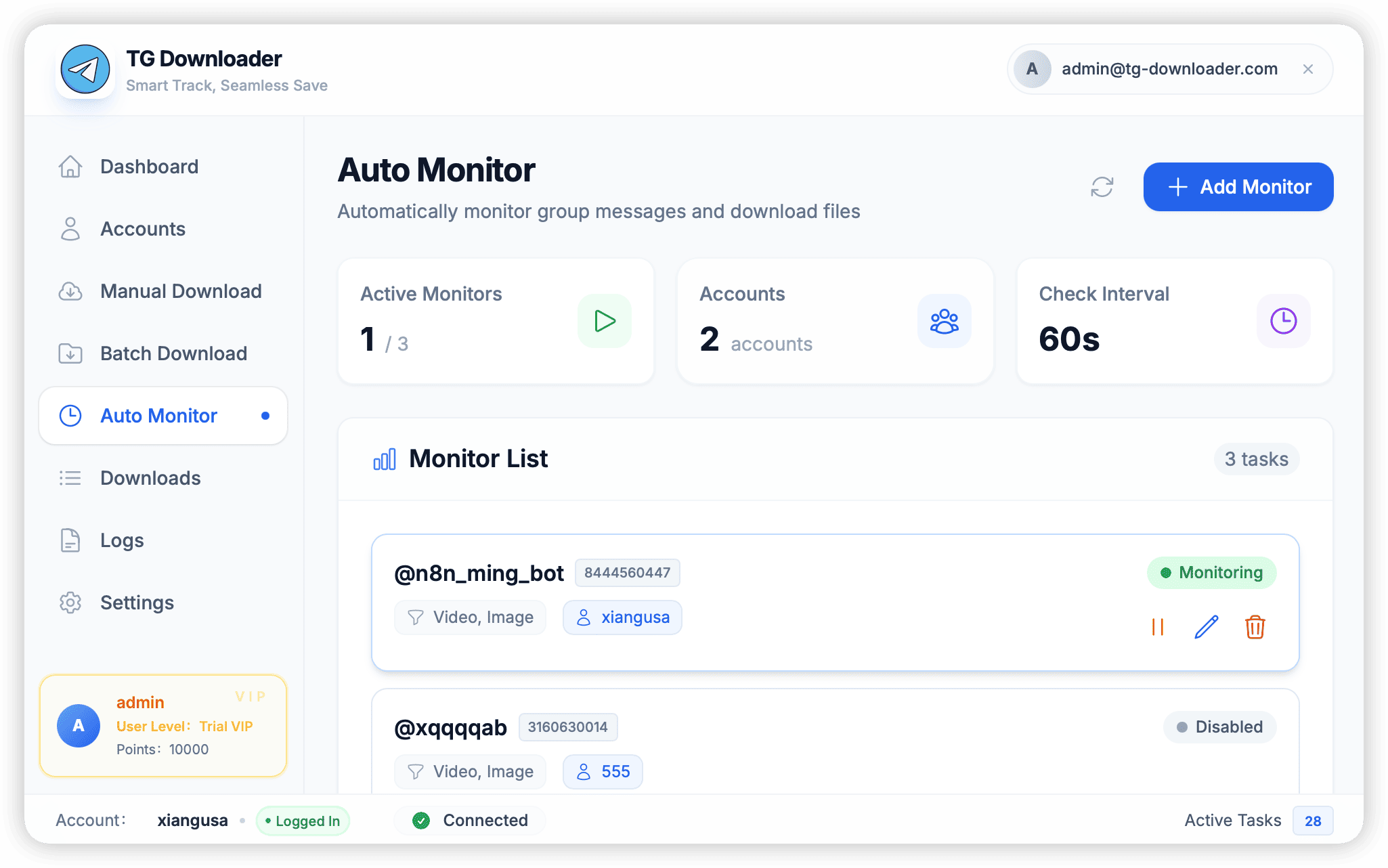
Deploy TG Downloader on your device, and it becomes your most loyal 24-hour content manager. Set it once, and achieve 'Publish then Download'.

  • Multi-Group Monitor: Track multiple private/public channels efficiently.
  • Lightning Fast: Scheduled monitoring with millisecond-level resource capture.
  • Smart Dedup: Auto-identify existing files to save precious disk space.
  • AI Powered: Upcoming AI summary to quickly extract chat highlights.
Auto Monitor, Instant Archive
Multi-Account

Unlimited Accounts, Isolated Storage

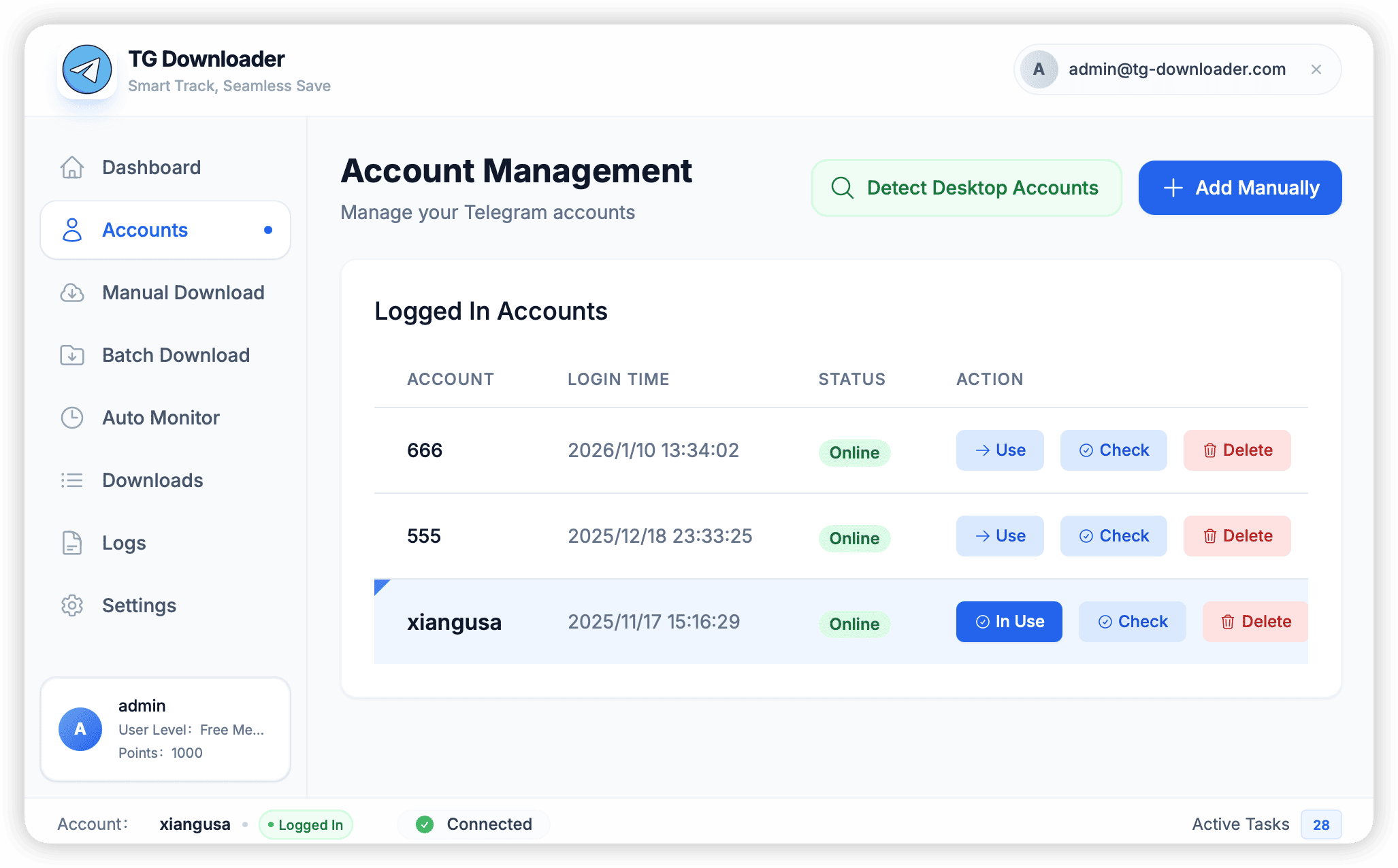
A multi-account management system designed for power users. Handle work environments or multiple content sources with ease.

  • Multiple Login: Auto-detect, tdata import, QR code, and verification code login.
  • Instant Switch: One-click account switching without re-authentication.
  • Global Control: Visual dashboard for real-time status and task progress.
  • Strict local encryption ensures account security, eliminating privacy risks.
Unlimited Accounts, Isolated Storage

Why Choose TG Downloader

Compare with other tools

BEST TG Downloader
Official Client
Web Tools
Other Tools
Batch Download
~
Auto Monitor
GUI Interface
Private Groups
File Size
Unlimited
Unlimited
50-200MB
Unlimited
Multi-Account
~
Developer Account Required
NO
no
no
YES
Ease of Use
Easy
Easy
Easy
Complex
Yes
No
~ Limited

Download Now

Available for Windows and macOS

Windows

Windows 10 or later

Download

macOS (Intel)

macOS 10.15 or later

Download

macOS (Apple Silicon)

macOS 11 or later

Download
Verified by VirusTotal
100% Safe & Clean

Frequently Asked Questions

Is TG Downloader safe to use?

Yes, TG Downloader runs completely locally on your computer. No data is uploaded to any server. Your Telegram session and account information are stored only on your device.

Do I need to apply for a Telegram API ID?

No, TG Downloader works out of the box. You don't need to apply for any developer credentials or API keys.

Can I download from private groups?

Yes, as long as you have joined the group, you can download content from it. TG Downloader supports both public channels and private groups.

Is there a file size limit?

No, TG Downloader has no file size limits. You can download files of any size, including large videos.

How does the auto monitor feature work?

Once you set up monitoring for a group or channel, TG Downloader will automatically check for new content and download it to your specified folder.

Still have questions?

Check our documentation