General Settings
Configure core parameters like download path and concurrency
Click the ⚙️ icon in the lower left corner of the interface to enter the settings center.
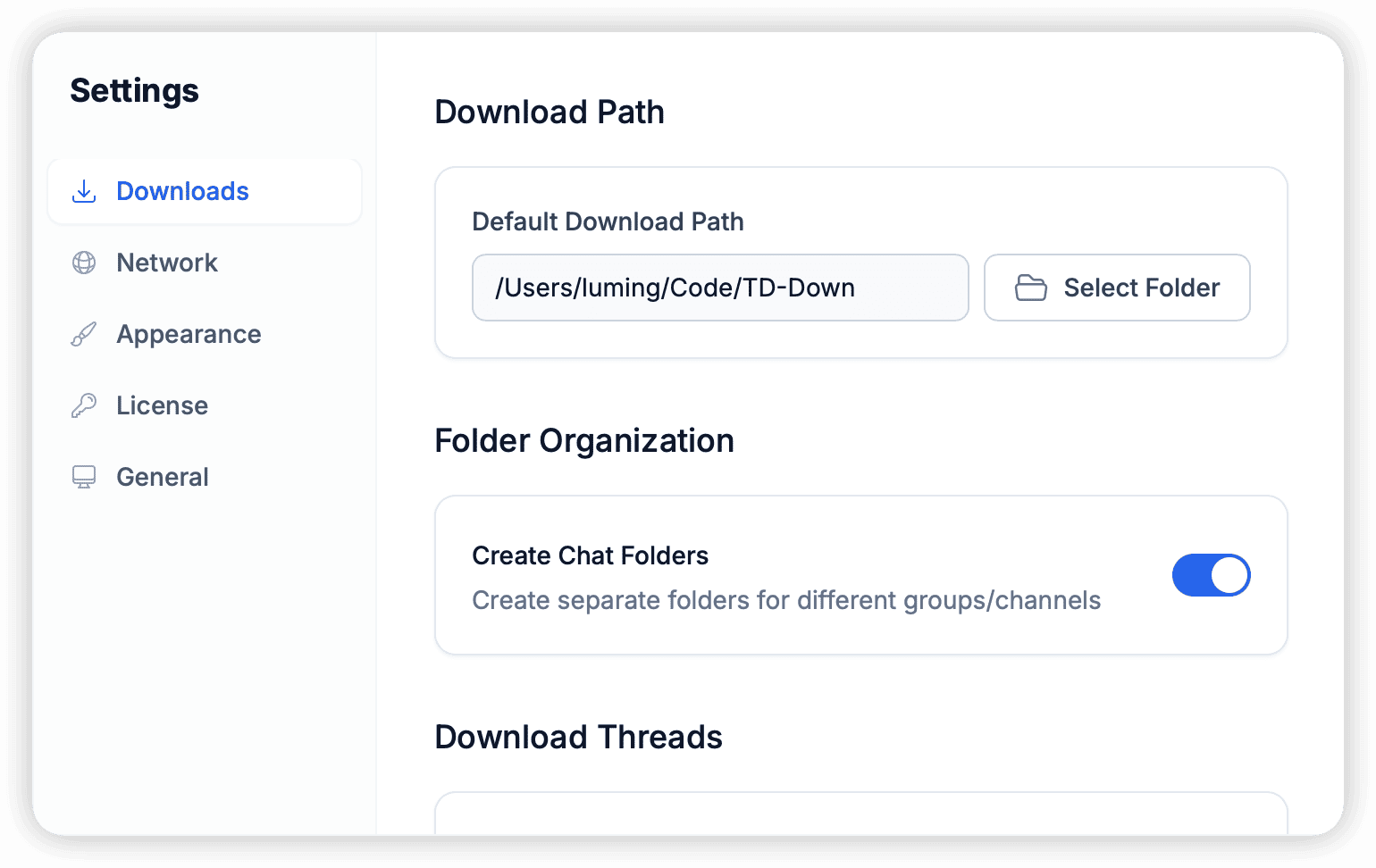
Download & Storage
Default Download Path
The root directory for all downloaded files.
- It is recommended not to set it on the C drive (system drive) to avoid filling up space and affecting system performance.
- Supports network mapped drives (NAS).
Sub-folder Pattern
You can customize the directory structure for file archiving. Supported variables:
{channel_name}: Channel/Group name.{year}/{month}: Year and month of message publication.{type}: File type (Photo/Video/Document).
Example: Set to {channel_name}/{year}/{type}, files will be saved in BBC News/2023/Video/report.mp4.
Performance
- Max Concurrent Tasks: Maximum number of simultaneous downloads (3-5 recommended).
- Chunk Size: Recommended 1MB - 4MB. Increasing this value may improve download speed for large files but will use more memory.