Account List
View and manage logged-in Telegram accounts
Account List is your console for managing all Telegram identities. Here, you can intuitively view the status, ID, and avatar of each account.
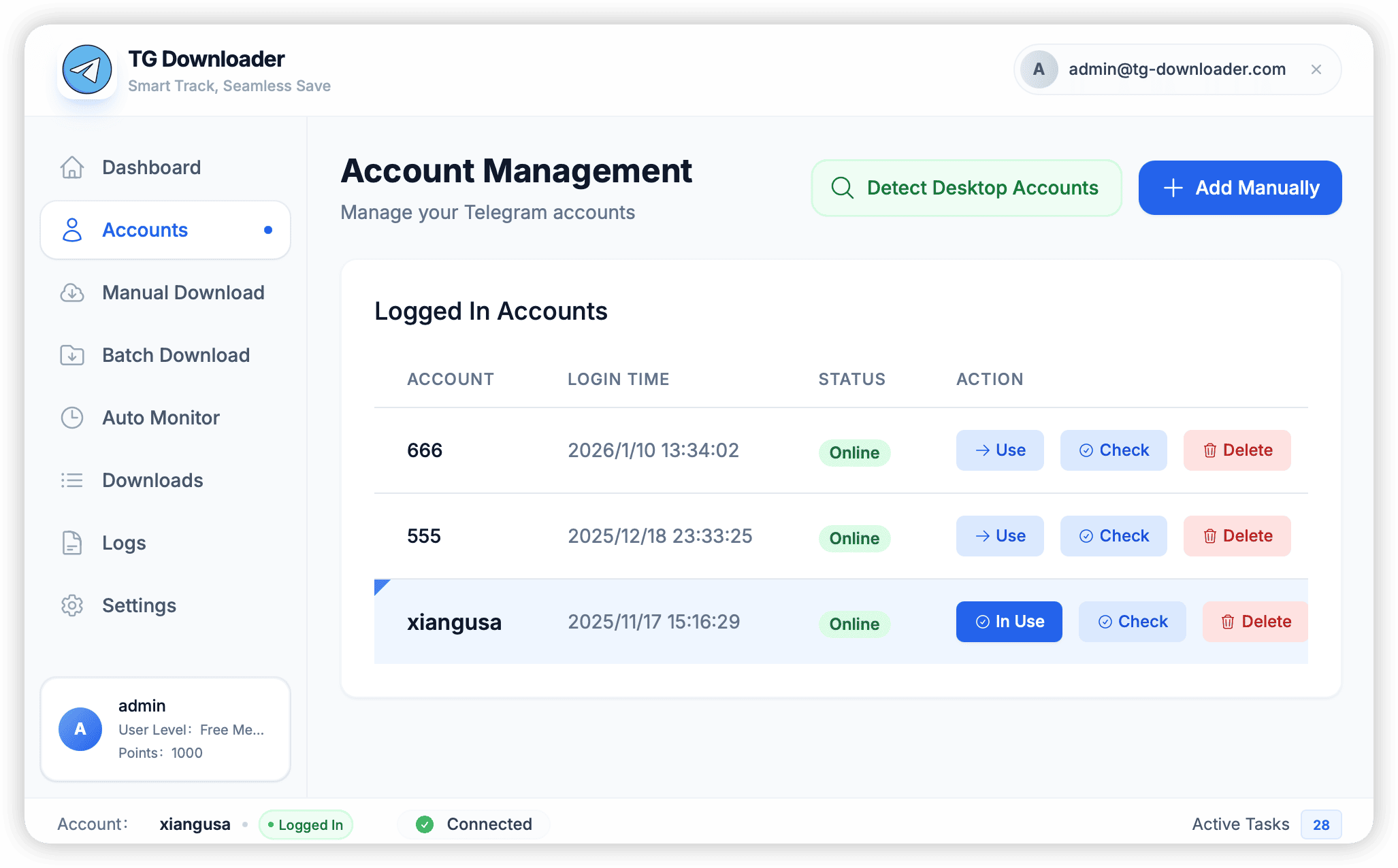
Interface Parameters
- Avatar & Nickname: Click the avatar to copy the account’s User ID.
- Status Indicator:
- 🟢 Online: Account is online and connected normally.
- 🔴 Offline: Account is disconnected and needs to reconnect.
- 🟡 Connecting: Trying to connect to the server.
- Two-Step Verification (2FA): If the icon is lit, it means the account has a cloud password enabled.
- Restricted Status: If a ⛔ sign is displayed, the account has been restricted by Telegram (e.g., cannot initiate private chats).
Common Operations
Right-click on any account to bring up the menu:
- Set Active: Switch the current operating identity.
- Copy Session data: Export Session for use with other tools.
- Re-login: Use when the Session expires.
- Log out: Log out of the account and delete the local Session file.