Batch Download a Telegram Group
Download Telegram group or channel history by quantity, date range or keywords in TG-Downloader, with file-type filtering and resumable tasks.
Batch Download pulls historical files from a group or channel. It is a Pro feature.
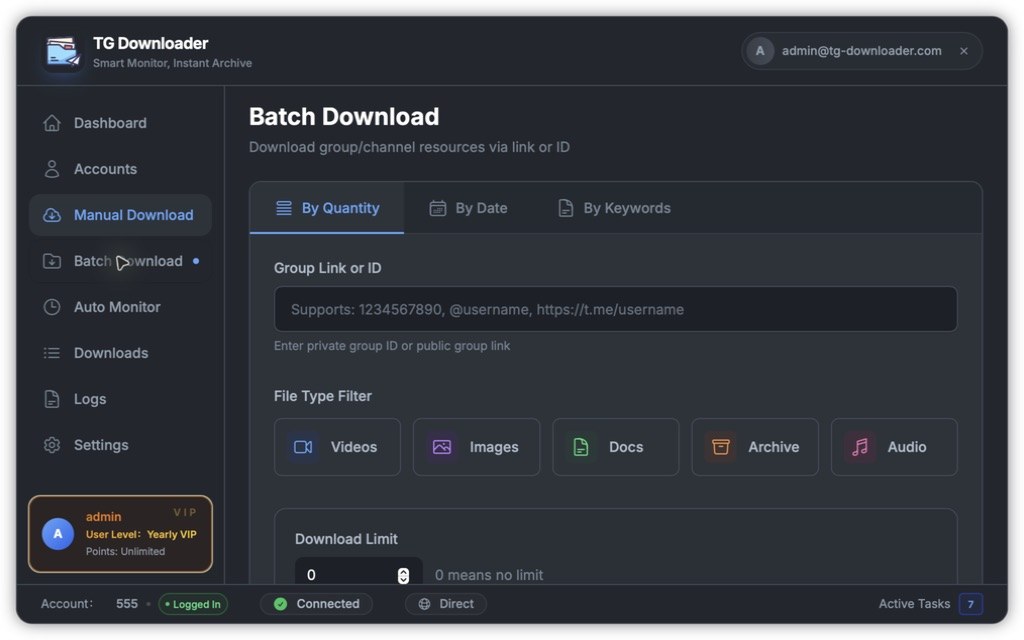
The three tabs are:
| Tab | What it pulls | Extra input |
|---|---|---|
| By Quantity | Counts back from the newest message | Download Limit, 0 means no limit |
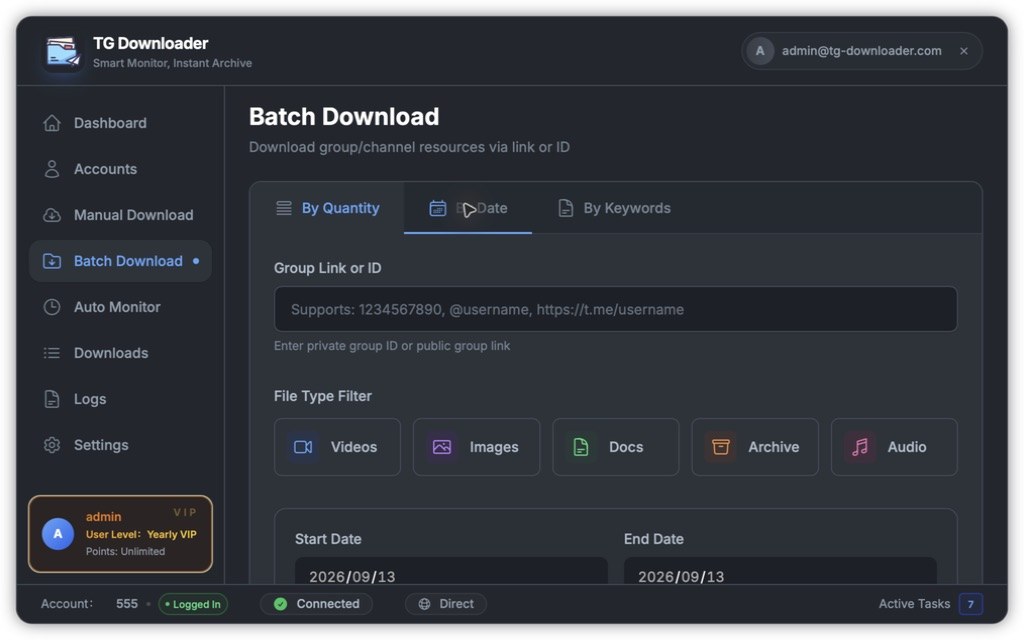
| By Date | Messages inside a date range | Start and End Date |
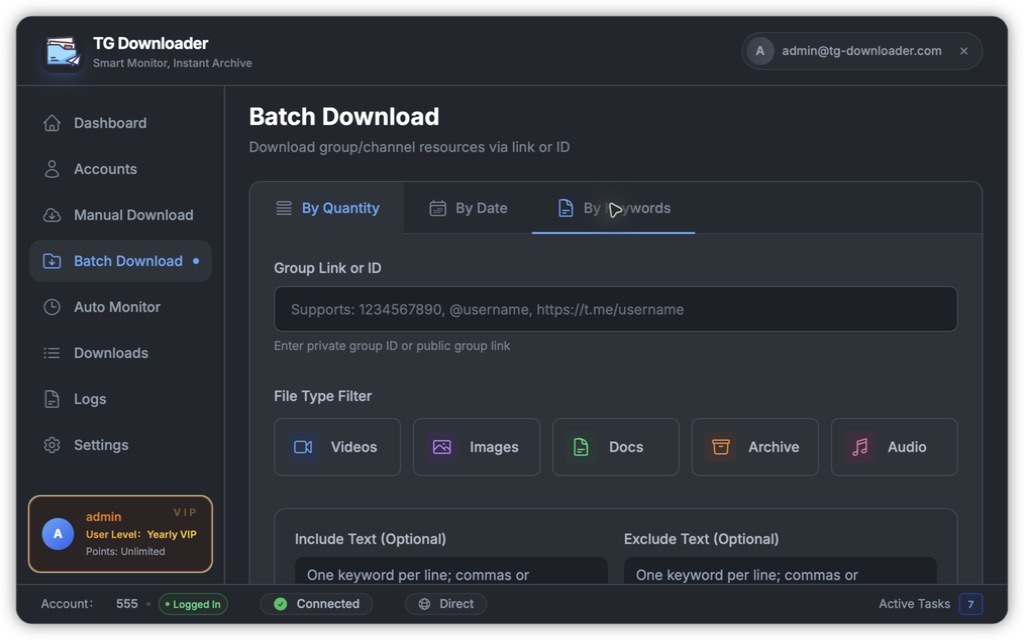
| By Keywords | Messages matching text keywords | Include and Exclude Text |
Steps
- Choose a mode.
- Enter the group link or ID:
1234567890,@usernameor a fullt.melink. - Select Videos, Images, Docs, Archive or Audio; no selection means all.
- Set quantity, date, keywords, duplicate filtering or comment options.
- Click Start Download.
Mode details
By Quantity counts backward from the newest message. The file type filter determines which messages count.
By Date includes both start and end dates. Larger ranges take longer to scan.
By Keywords accepts one keyword per line, and also commas or semicolons. Include is matched first, then Exclude removes messages.
Notes
- Only one batch task can run at a time.
- Batch tasks can pause and resume from their last point.
- Creating a task generates an export file. Do not delete it, or the task cannot continue.
- Track and control the task from Downloads.